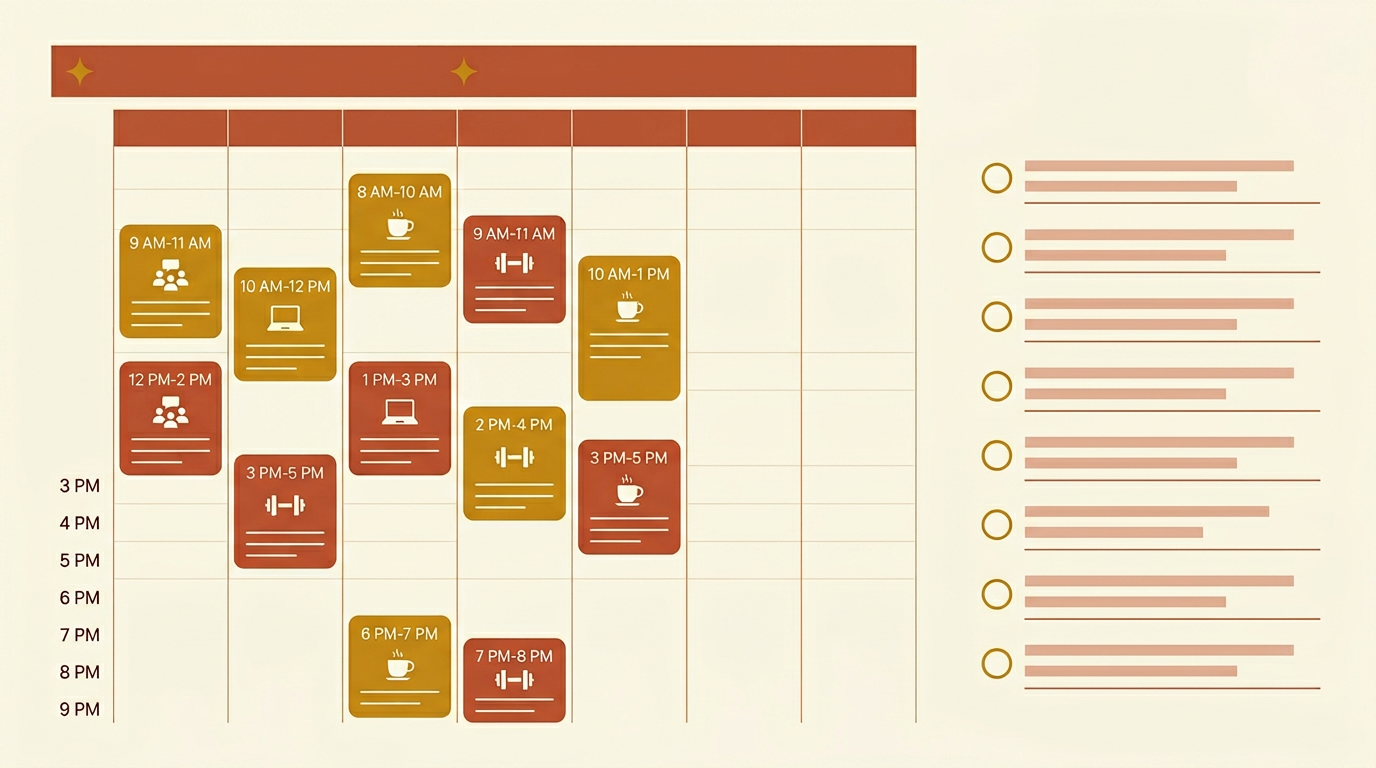
To-do lists answer ‘what needs doing.’ Time blocking answers ‘when will I actually do it.’ Most people are failing at the second question.
I spent years making excellent to-do lists. Long, organized, sometimes color-coded. I’d end the day with most items unchecked and a vague sense of having been busy but not productive. The list didn’t lie — those things needed doing. The problem was no plan for when.
How To-Do Lists Actually Fail
A to-do list is a demand list, not a schedule. It grows indefinitely. Items sit there for days, sometimes weeks. You pick the easy ones first (inbox zero, quick responses) and push the hard, important ones. By the end of the day, the hardest thing is still there.
This is sometimes called ‘completion bias’ — we gravitate toward tasks that feel completable, not necessarily important. Checking off 8 small things feels better than doing the one big thing that actually moves your work forward.
I was doing this for years before I noticed the pattern.
What Time Blocking Actually Is
Time blocking is assigning specific time slots to specific tasks. Instead of ‘write client proposal’ sitting on a list indefinitely, you block 10am–12pm Tuesday for it. That’s the only time it gets done.
Cal Newport popularized this framework, but the core idea is basic: treat your time like a budget. If you don’t allocate it deliberately, it gets spent on whatever shows up.
The key distinction: time blocking is a scheduling system, not a motivation hack. You’re not trying to feel more inspired. You’re trying to make it structurally impossible to defer what matters.
Practical Time Blocking Setup
My current setup (been using this for about 18 months):
Morning block: 9am–12pm. No email, no Slack, phone on DND. This is deep work time — writing, complex client work, anything requiring sustained focus. This is non-negotiable unless I have a meeting that can’t move.
Midday check-in: 12pm–1pm. Email, messages, quick responses. 60 minutes max.
Afternoon work: 1pm–4pm. Lighter tasks, calls, administrative work, anything that doesn’t require peak focus.
Second email check: 4pm. I check email twice a day — 10am and 4pm. Yes, this works. Most “urgent” messages can wait 4 hours without consequence.
3 MIT (Most Important Tasks) rule: Every morning, I write 3 things that must be done today. Everything else is bonus. The morning block gets the hardest MIT.
When To-Do Lists Are Actually Useful
Here’s what I don’t want to be — the person who tells you to throw out everything and start over with a complicated new system. That’s how I broke 6 different productivity systems before landing on something simple.
To-do lists are useful for:
- Capture (brain dump, don’t lose anything)
- Weekly planning reference
- Quick tasks under 5 minutes
The problem is using them as a scheduling tool. They’re not — they’re an inventory tool. The scheduling is separate.
A hybrid I’ve seen work well: keep a to-do list for capture, then time-block your to-do items into the calendar each morning. Takes 10 minutes. Creates the schedule your to-do list never did.
The Adjustment Period Is Real
Time blocking felt rigid the first two weeks. Meetings would disrupt the block, I’d get pulled into things, I’d end up doing the blocked task at a random time anyway.
The insight that unlocked it: time blocking doesn’t require perfect adherence. It requires you to consciously reschedule when disrupted. If a meeting takes your 10am block, where does the deep work go today? You decide intentionally, rather than defaulting to ‘it’ll happen whenever.’
Actually — let me rephrase that. The system isn’t the point. The point is that you make a deliberate decision about your time every day, rather than reacting to whatever shows up. Whether you call it time blocking or something else is irrelevant.
The Notification Problem
Time blocking doesn’t work if notifications own your attention. Slack pings, email banners, phone alerts — each one breaks focus for at least 5–15 minutes of recovery time, not just the seconds the notification takes.
I go full DND from 9–12. No exceptions except genuine emergencies. My clients know I respond by end of business day. No one has been upset about this once I set the expectation upfront.
For self-employed freelancers especially: the expectation that you’re instantly available is self-imposed more often than it’s actually required. Worth testing.
Common Questions
What if my job requires constant availability? Some jobs do — support, customer service, urgent medical. For those, a modified version works: protect even 90 minutes of uninterrupted time by scheduling it when traffic is low (early morning, after lunch). Even one protected block changes output quality.
Do I need a special app? No. Google Calendar works fine. Even paper works. The tool matters less than the habit.
What if I’m a ‘spontaneous’ person and rigid schedules kill my creativity? Try flexible blocking — block the type of work rather than the specific task. ‘Creative work: 9–11am.’ What specific thing you work on is still flexible.
I still don’t do this perfectly. Some days the blocks are a polite fiction. But on the days I stick to it, the difference is measurable.